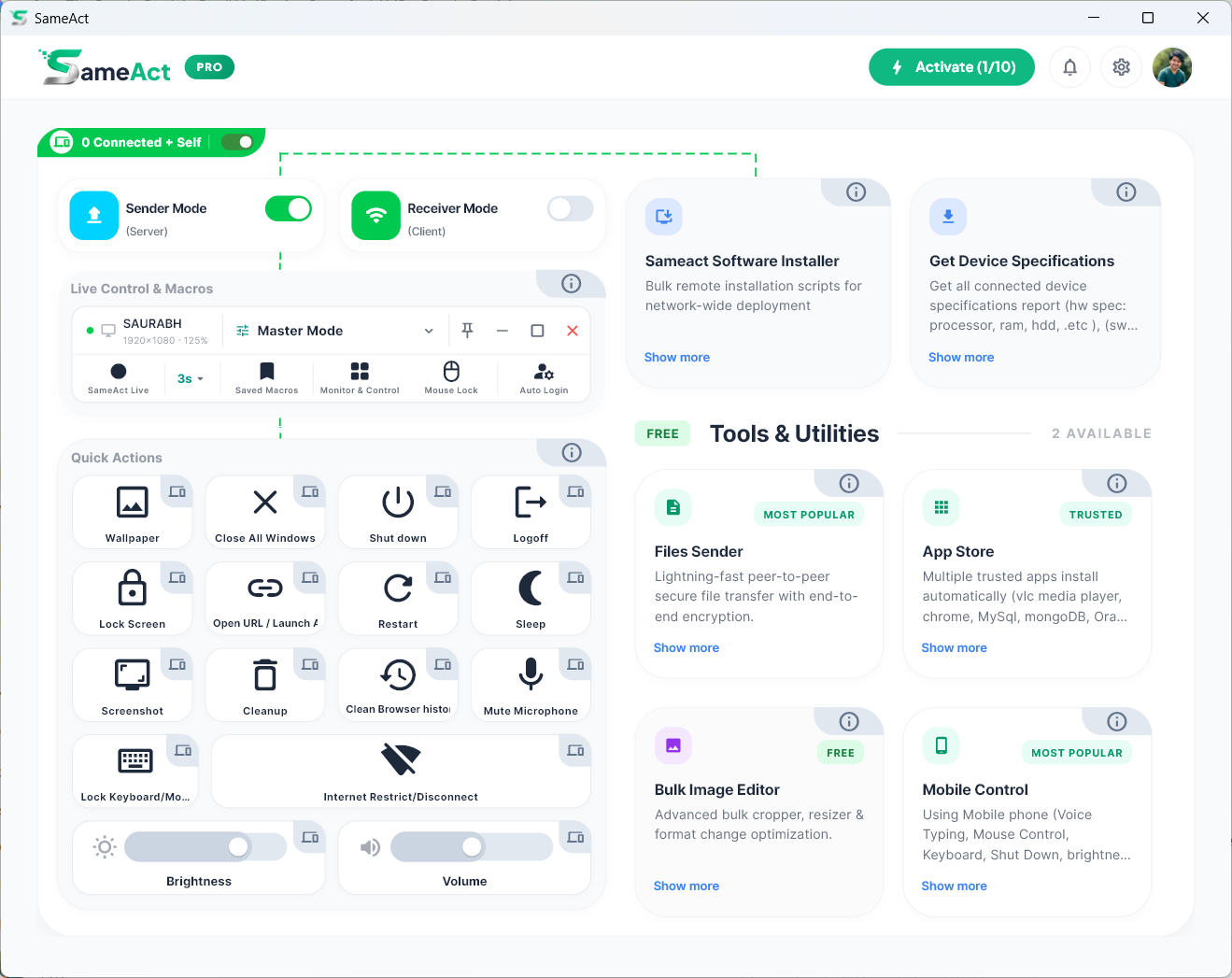
SameAct turns your master PC into a action centre. Broadcast actions, Shutdown, File Send, Software Install and run bulk actions across every connected device simultaneously — all over your local network, zero cloud.
Whether you manage 5 PCs or 50, SameAct saves hours of manual work every single day.
Run the same exam simulation or practice task on every student's PC simultaneously. No need to walk desk-to-desk — broadcast from your instructor seat.
Teachers demonstrate on the main PC — students follow along on theirs, live. Monitor every screen in a CCTV grid without leaving your desk.
Manage your entire fleet from a single dashboard. Deploy software, restrict internet, and monitor hardware health — all remotely.
Automate repetitive tasks in timed mock-test environments. Control student access, monitor progress screens live, and manage the lab without extra staff.
SameAct works over your local network — no internet connection required.
Download and install SameAct on your Master PC (Sender) and all target devices (Receivers) on the same local network.
Enable Sender Mode on your Master PC. Other devices will automatically discover and connect. Just click approve to pair them instantly.
From the dashboard, broadcast macros, monitor screens live, run system Actions, and manage every PC on your network instantly.
From macro automation to live screen monitoring — SameAct packs every tool an IT admin or lab manager needs into one powerful desktop app.
SameAct च्या मदतीने आपण संपूर्ण Computer Lab ला फक्त एका Computer वरून सहजपणे Manage करू शकता.
SameAct Live Control & Macros मुळे Mouse Clicks, Keyboard Typing, Scrolling आणि इतर Actions एका Computer वर करा आणि ते सर्व Connected Computers वर एकाच वेळी Live Repeat करा.
दररोज Lab मधील प्रत्येक Computer वर जाऊन एकच काम पुन्हा पुन्हा करता? SameAct Quick Actions मुळे एका Computer वरून संपूर्ण Lab वर एकाच वेळी Action करू शकता.
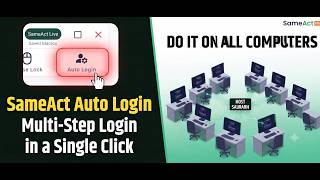
काही Websites आणि Applications मध्ये Login करण्यासाठी एकापेक्षा जास्त Steps असतात. आधी Username, मग Next/Continue, त्यानंतर Password आणि शेवटी Login. SameAct Auto Login (Type 2) अशा Multi-Step Login Pages साठी खास तयार करण्यात आला आहे.
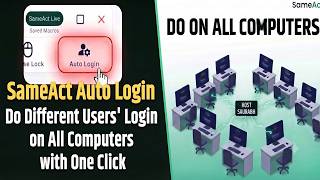
प्रत्येक Computer वर वेगवेगळे Username आणि Password टाकून Login करणे वेळखाऊ आणि कंटाळवाणे असते. SameAct Auto Login (Type 1) च्या मदतीने एका Computer वर Login Flow तयार करा आणि संपूर्ण Lab मधील सर्व Connected Computers वर वेगवेगळ्या Users चे Login एका Click मध्ये करा.
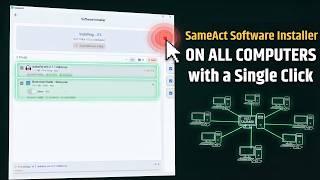
आता प्रत्येक Computer वर जाऊन Software Install करण्याची गरज नाही. SameAct Software Installer च्या मदतीने एका Computer वरून अनेक Software एकाच वेळी संपूर्ण Lab मधील सर्व Connected Computers वर Install करू शकता.
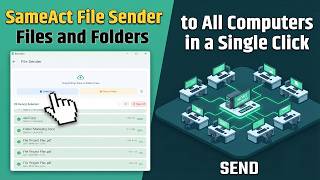
आता Pendrive, LAN Share किंवा प्रत्येक Computer वर जाऊन Files Copy करण्याची गरज नाही. SameAct File Sender च्या मदतीने एका Computer वरून Files, Folders किंवा Installers संपूर्ण Lab मधील सर्व Connected Computers वर काही सेकंदांत पाठवू शकता.
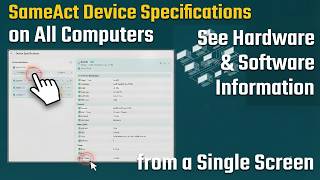
आता प्रत्येक Computer वर जाऊन त्याची Configuration तपासण्याची गरज नाही. SameAct Device Specifications च्या मदतीने संपूर्ण Lab मधील सर्व Connected Computers ची Hardware आणि Software माहिती एका Screen वरून पाहू शकता.
प्रत्येक Computer वर Browser, VS Code, Java, Python किंवा इतर Software वेगवेगळे Install करण्याची गरज नाही. SameAct App Store मधून Popular Software निवडा आणि एका Click मध्ये सर्व Connected Computers वर Install करा.
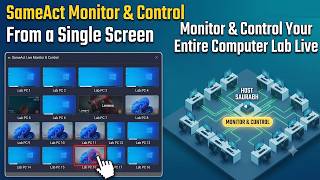
संपूर्ण Computer Lab वर लक्ष ठेवण्यासाठी प्रत्येक Computer जवळ जाण्याची गरज नाही. SameAct Monitor & Control च्या मदतीने सर्व Connected Computers च्या Screen एका ठिकाणी Live पाहू शकता आणि गरज पडल्यास कोणताही Computer Remote Control करू शकता.
एकाच Size मध्ये शेकडो Photos किंवा Signatures Crop करणं अजूनही Manual करता? SameAct Bulk Image Editor मुळे प्रत्येक Image एकाच Workflow मध्ये पटकन Crop, Rotate, Resize आणि Export करता येते.